Reactive Maintenance
Simplify reactive maintenance with QR code work requests
Fewer informal requests, fewer follow-up questions, and up to 50% faster response time to every issue.


Our customers




For maintenance leaders

For plant managers

For IT and central teams
Capture every issue in full detail
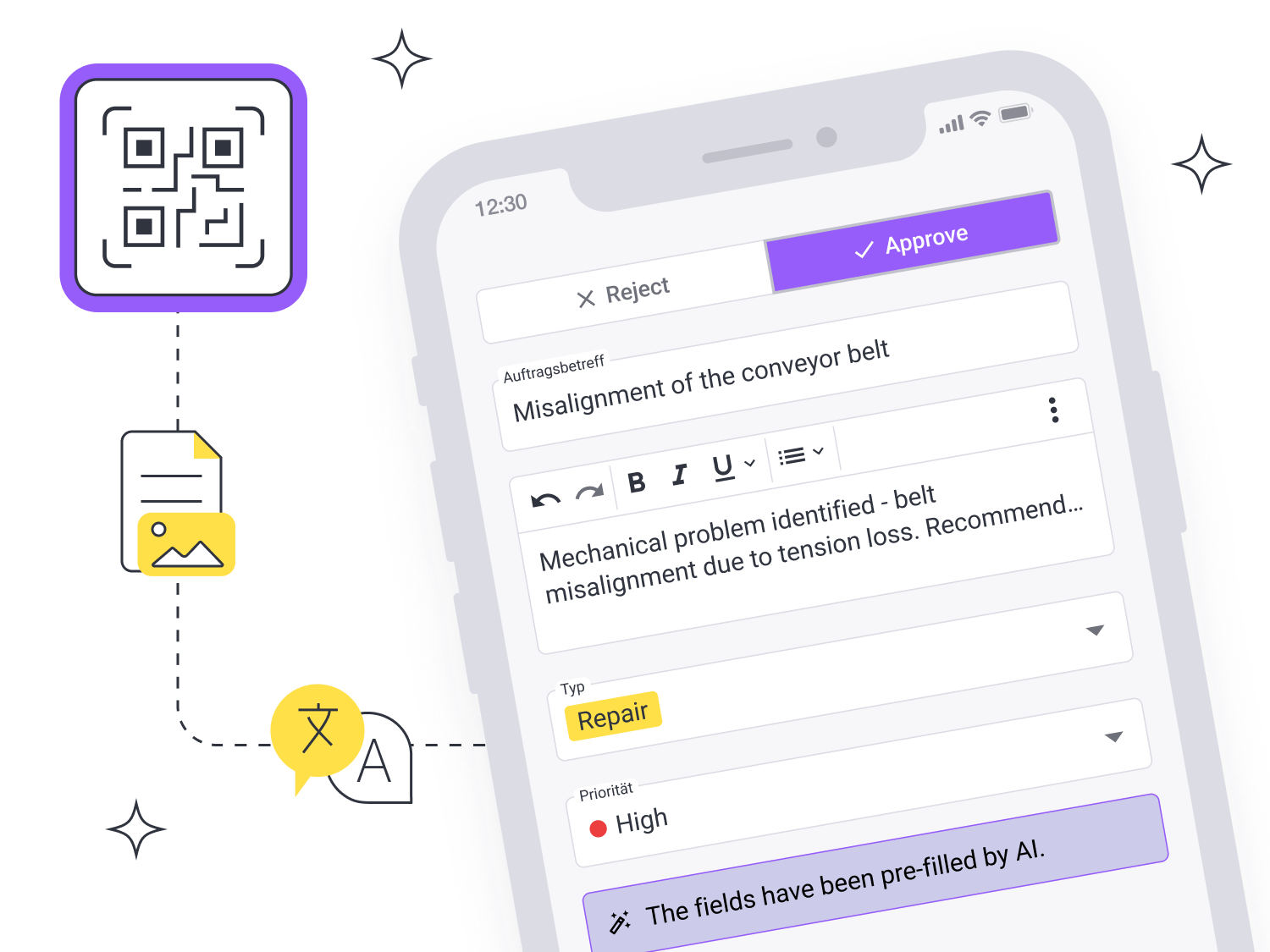
Operators scan the QR code on the asset and report the issue. You create codes in remberg directly from the asset, or print them in advance and assign them during rollout.
✓ Structured work requests with photos, linked to the asset
✓ Operators report issues in their own language, remberg AI translates them for your team
✓ No login or licence required for operators: a smartphone is enough
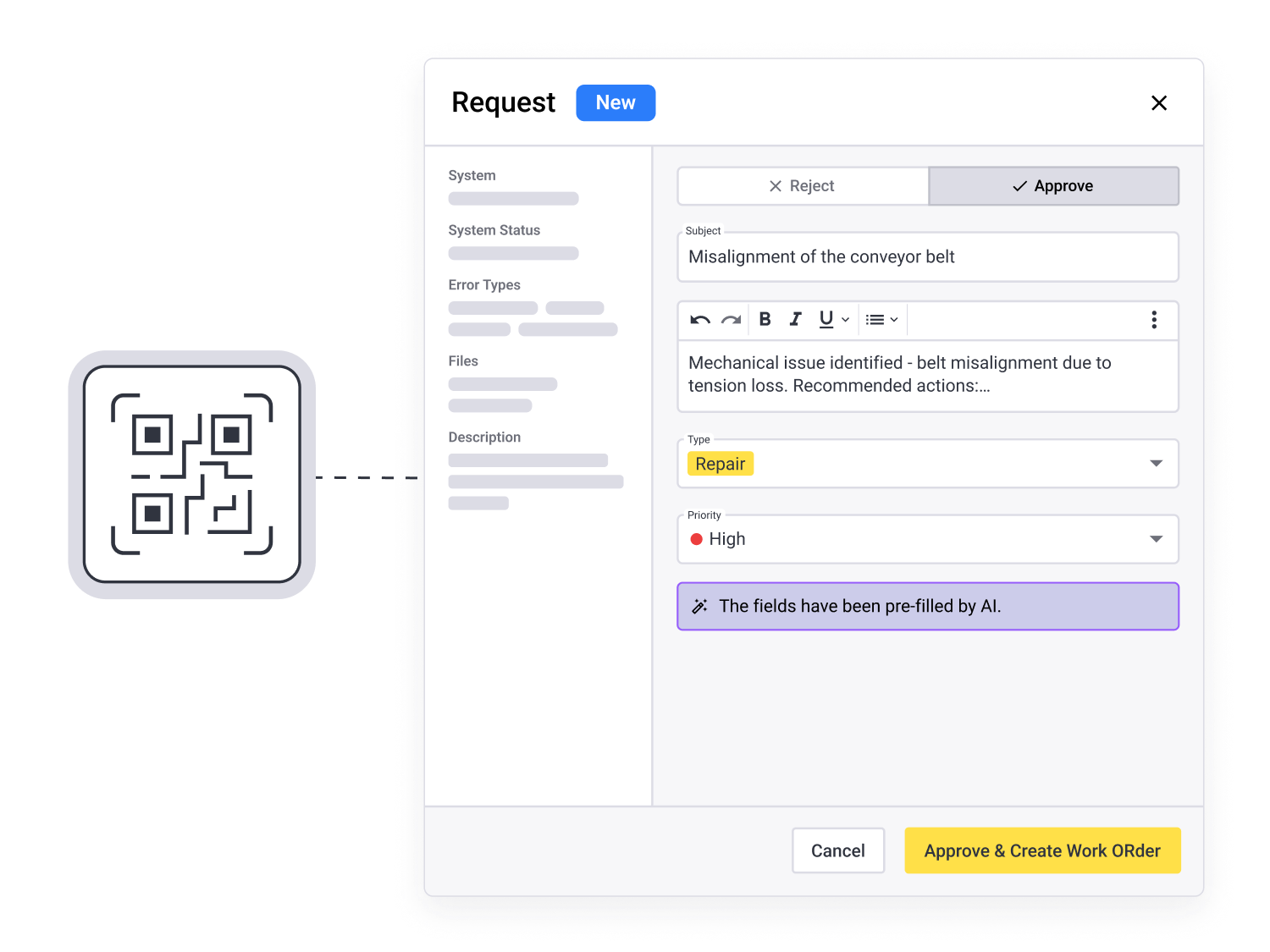
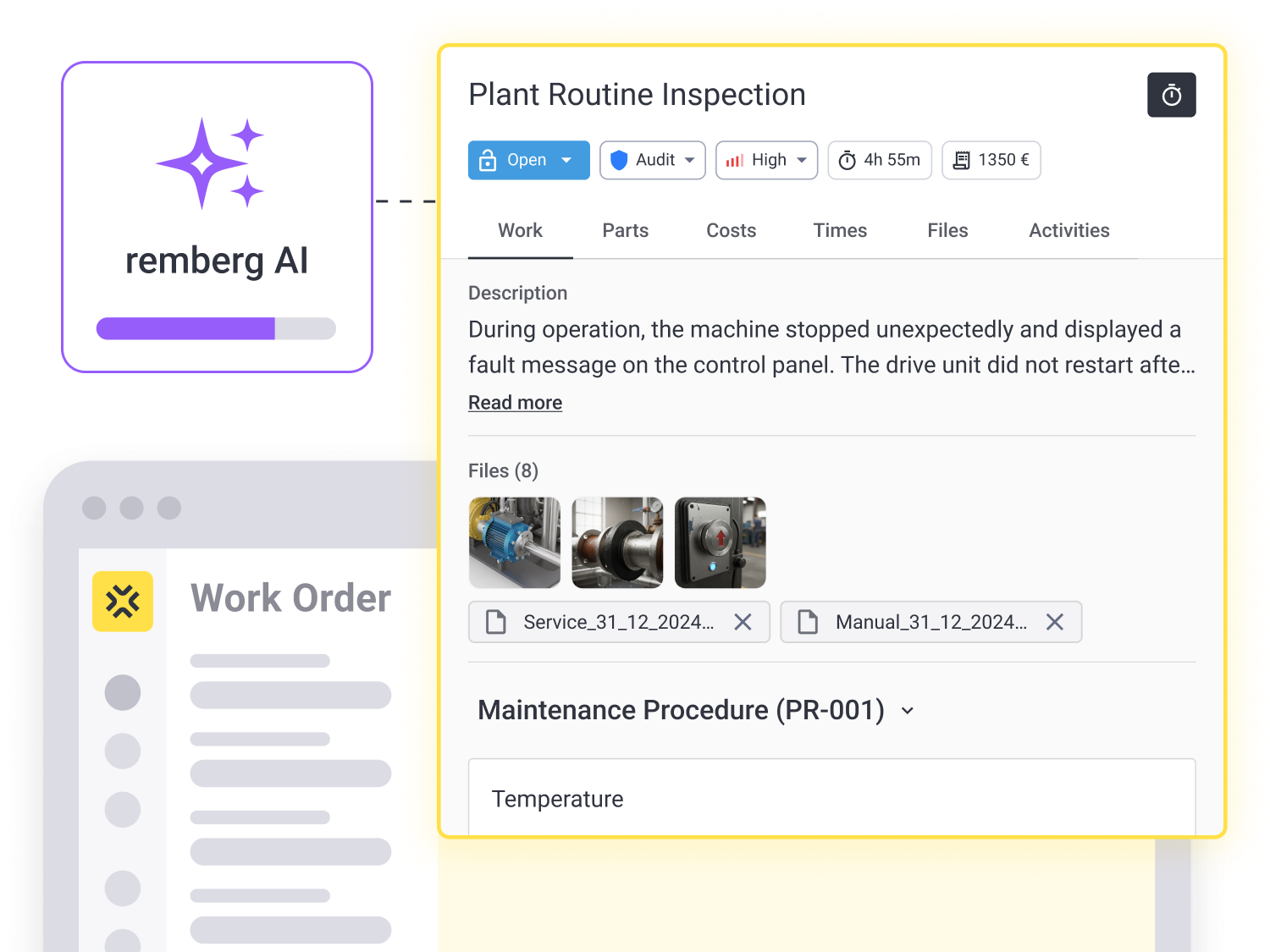
Turn requests into work orders in one click
Less retyping, fewer follow-up questions, no duplicate data entry. You prioritise the request and assign it.
✓ Create work orders in one click from the request
✓ See ownership and status at a glance
✓ Tracks response and resolution times automatically
Build asset knowledge from every repair
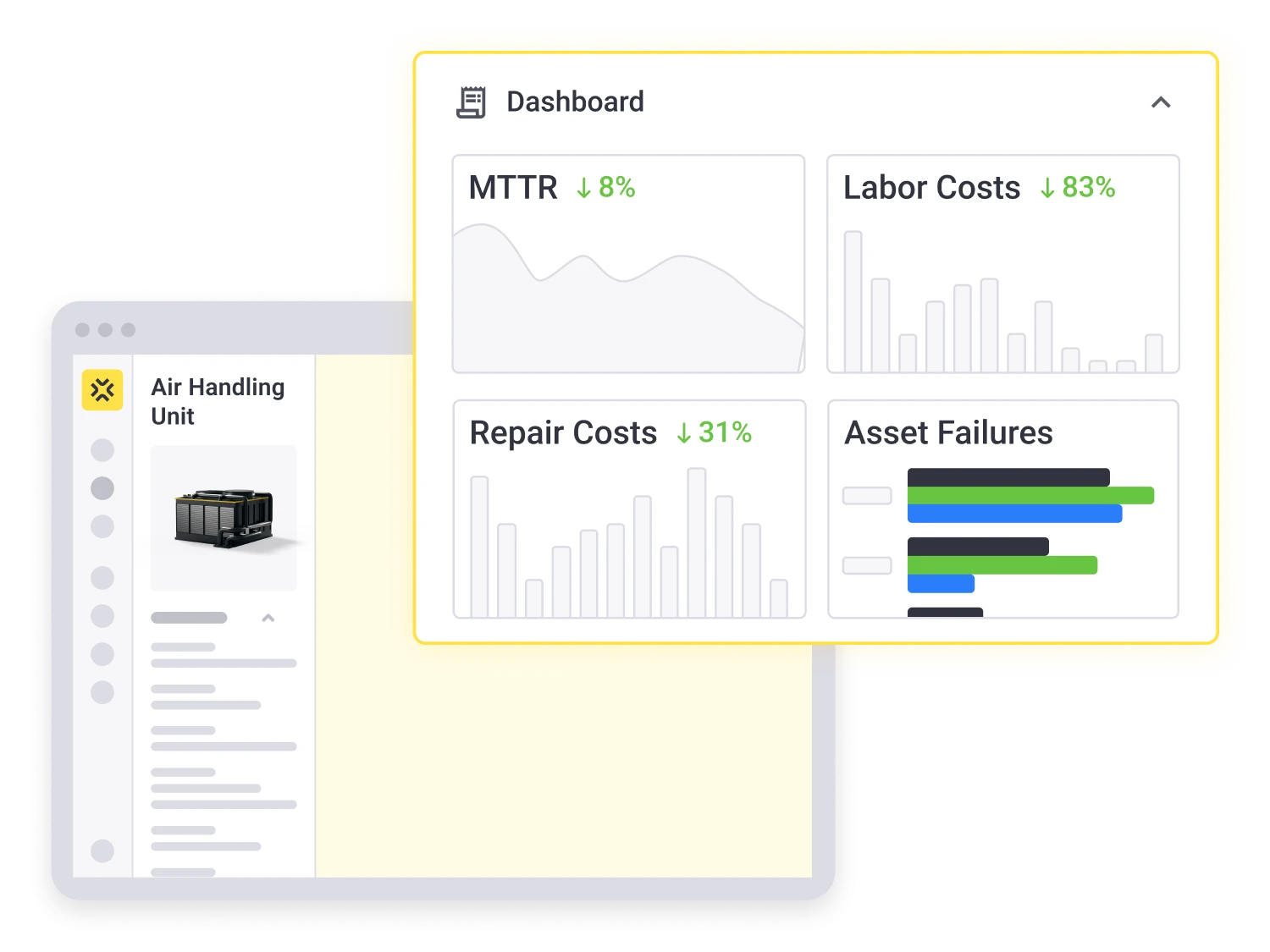
Every work request, work order and completed repair is automatically added to the asset's history. When the same machine stops again, your team doesn't start from scratch.
✓ Maintenance and failure history of every asset
✓ Spot occourence of failures and track fixes
✓ Compare response and resolution times and act on the trends
From reactive to planned
You can never eliminate unplanned failures entirely. But every structured work request reveals recurring problems, helping you plan maintenance proactively and move out of firefighting mode, step by step.
Why not just email, Excel, or the ERP?
.png)
Connect your IT systems through Interfaces & APIs
remberg can be connected to all common ERP or MES systems to enable a mobile, AI-powered user experience for maintenance teams. Find out more about our documented interfaces in our remberg developer portal.
Trust in world-class data protection & IT security
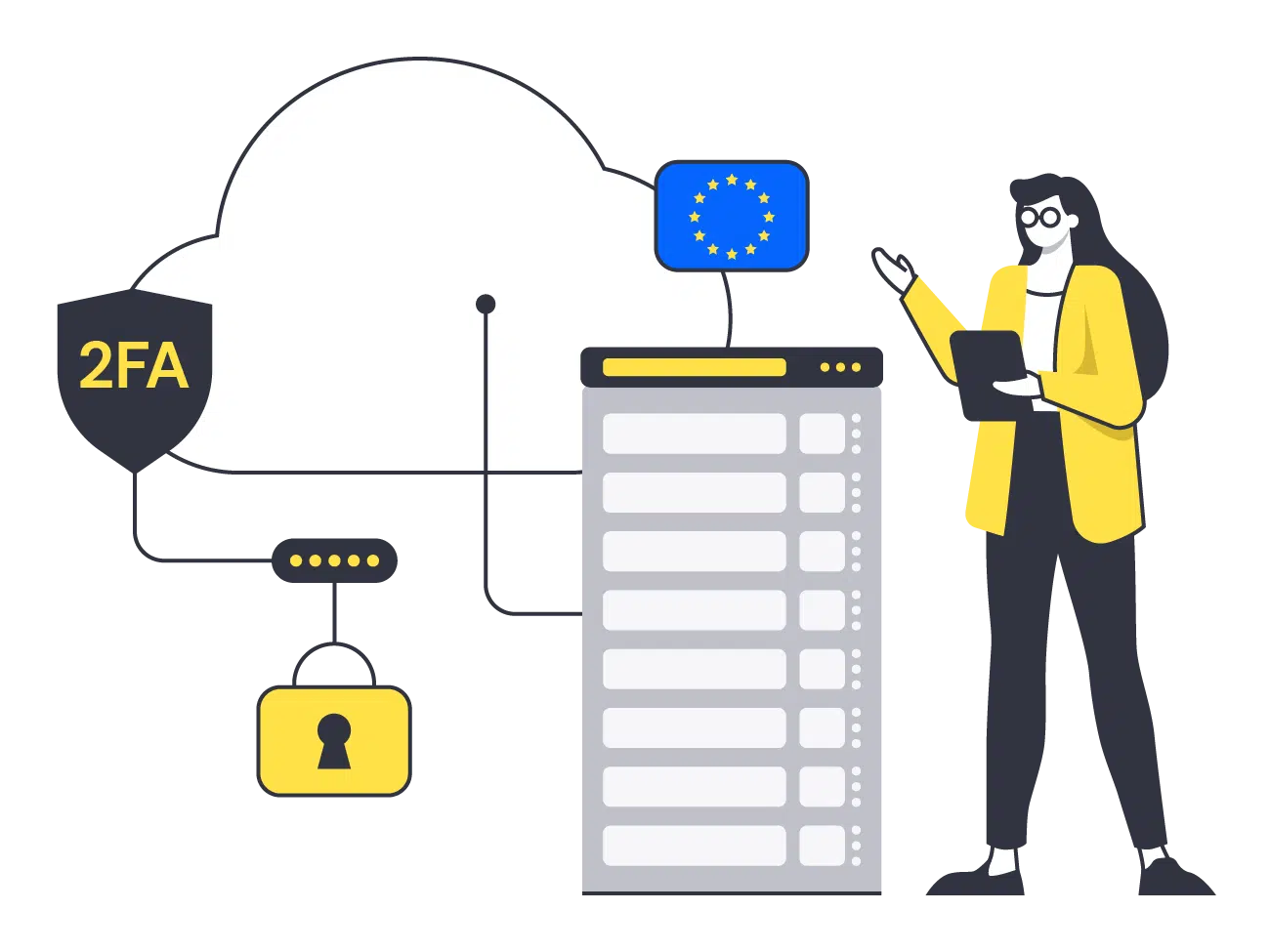
Your data and your trust are our top priority. For hosting, the remberg software relies on a German high-security data center that is ISO/IEC 27001 certified and meets the highest C5 standards of the German Federal Office for Information Security (BSI). Additionally remberg provides security mechanisms such as password change cycles and 2FA.
FAQ
Won't this be yet another system to maintain alongside our ERP?
No. Your ERP remains the system of record, and remberg is the simple reporting channel on the shop floor. Data flows between remberg and your existing systems through APIs documented in the remberg developer portal.
How much work is involved in rolling remberg out across multiple assets or plants?
Far less than a classic rollout, because operators need no accounts and no training. You create QR codes directly from the asset, or print them in bulk and assign them as you label your machines. Roll it out plant by plant.
What if phones are banned on our shop floor?
Scanning a QR code with a smartphone is one way to report an issue, not the only one. Operators can also submit work requests from a terminal, PC, or tablet on the production line. What matters is that every issue is logged in the system instead of being left on a paper note.
What if my operators speak different languages?
They report in their own language, whether Romanian, Polish, or Turkish. remberg AI translates each request automatically, and your maintenance team reads everything in one language. Requests stay clear across multilingual teams and shifts. remberg AI is included in the free plan.
How does remberg handle duplicate reports?
All work requests are grouped by asset. In the asset view, your maintenance team sees which requests are open and spots duplicates at a glance.
Start for free.
No operator licences required.
Try the reporting workflow for free: add an asset, scan its QR code, and submit your first work request.
For complex multi-plant setups, book a tailored demo.